How to Transfer 10GB+ 4K Videos from Android to PC at Maximum Wi-Fi Speed
How to Transfer 10GB+ 4K Videos from Android to PC at Maximum Wi-Fi Speed
If you record 4K 60fps or 8K video on modern Android flagships (like the Samsung Galaxy S24 Ultra, Google Pixel 9 Pro, or Sony Xperia), you know the pain: a 10-minute clip can easily consume 6GB to 15GB of storage.
And when it’s time to move that footage to your editing workstation (DaVinci Resolve, Premiere Pro, Final Cut), you plug in your USB cable, only to run into the nightmare of Android MTP (Media Transfer Protocol):
- Random freezes halfway through transfer.
- Cryptic "Device is unreachable" errors.
- Mac users struggling with the buggy "Android File Transfer" utility.
- Bluetooth transfers that take 4 hours for a single file.
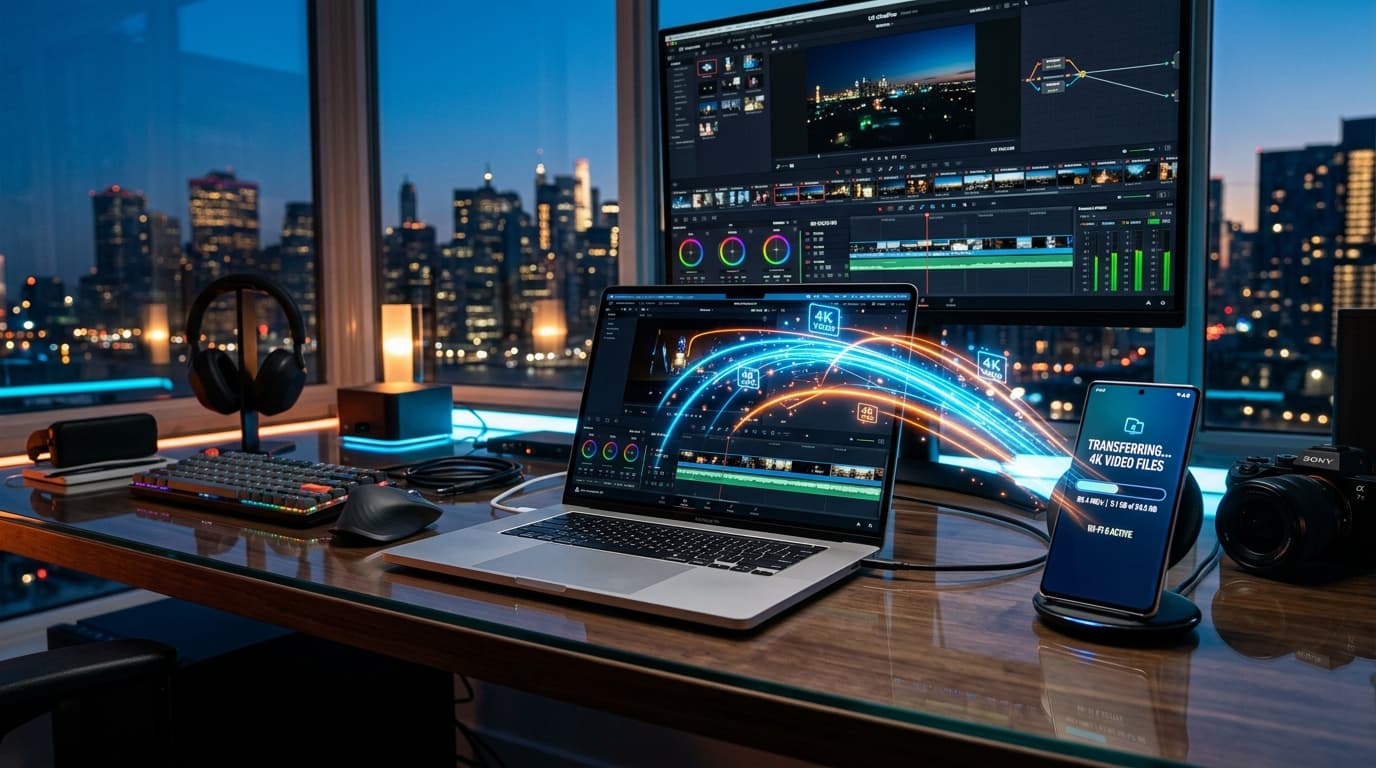
There is a vastly superior workflow that is completely wireless, lightning fast, and requires zero USB cables.
Why Is Android USB Cable Transfer So Unreliable?
Ever wonder why copying files from an external SSD is instant, but connecting your phone via USB cable feels agonizingly unstable?
The culprit is MTP (Media Transfer Protocol). Unlike true USB Mass Storage (where the PC communicates directly with the storage controller), MTP operates as an abstraction layer to allow the phone OS and the computer to access the file system simultaneously.
Every single file request is translated and verified by the phone's operating system. When transferring multi-gigabyte video files, Android's internal MTP service frequently encounters buffer timeouts, crashing the session and forcing you to restart the transfer from 0%.
The Modern Workflow: Direct HTTP Wi-Fi Transfer
Modern Wi-Fi 6 (802.11ax) and Wi-Fi 7 home routers offer theoretical wireless speeds in excess of 1,200 to 2,400 Mbps. In real-world environments, local transfer rates easily sustain 60 to 110 MB/s.
That means a 10GB 4K video clip transfers wirelessly in under 2 minutes, completely bypassing MTP instability.
How to Set Up High-Speed Wireless Transfer with WifiOTT
1. Connect Both Devices to Your Fast Wi-Fi Network
Make sure both your Android phone and your PC or Mac are connected to the same router. For peak performance, select the 5GHz or 6GHz band.
2. Launch WifiOTT on Your Android Device
Open WifiOTT and tap Start Sharing.
WifiOTT immediately provides a secure local IP address (e.g., http://192.168.1.150:8080).
3. Open Your Browser on PC or Mac
No drivers or software installations needed. Open Chrome, Edge, Brave, or Safari, and type in the address.
4. Download Single Files or Entire Batches
- Navigate to your DCIM / Camera folder.
- Preview 4K thumbnails directly in the browser to ensure you're picking the right take.
- Click Download or download files in batch.
- Downloads run with native multi-stream HTTP chunks, maxing out your wireless bandwidth without dropping connection.
Speed Comparison Benchmark
Here is how real-world speeds stack up when moving a 12GB 4K 60fps video file:
| Method | Actual Transfer Speed | Time for 12GB Video | Reliability Score |
|---|---|---|---|
| Bluetooth 5.3 | ~2 Mbps (0.25 MB/s) | ~13.3 Hours | ❌ 1/10 |
| Android MTP USB 2.0 Cable | ~28 MB/s | ~7.1 Minutes | ⚠️ 4/10 (Frequent freezes) |
| Cloud Storage (Google Drive) | ~40 Mbps upload | ~40 Minutes | ⚠️ 5/10 (Consumes data caps) |
| WifiOTT (Local 5GHz Wi-Fi) | ~75 - 95 MB/s | ~2.1 Minutes | ✅ 10/10 (Rock Solid) |
Tips for Videographers & Creators
- Keep the Phone Screen On or Background Optimized: To prevent aggressive OEM battery managers (like Samsung OneUI or Xiaomi MIUI) from putting the network card to sleep, allow WifiOTT to run with unrestricted battery background activity.
- Transfer directly to your NVMe Scratch Disk: In your desktop browser settings, set your download folder to your fast NVMe SSD so DaVinci Resolve or Premiere can pick up files immediately.
- Works Anywhere with Hotspot Mode: Shooting on location without a router? Just turn on your phone's personal hotspot, connect your laptop to it, and WifiOTT will transfer files at full speed in the middle of nowhere!
Conclusion
Stop fighting broken MTP drivers and fragile cables. By using WifiOTT, transferring gigabytes of raw video footage from your phone to your workstation is effortless, stable, and blisteringly fast.
Ready to Stream & Share Wirelessly?
Install WifiOTT on Android and turn your phone into a high-speed media server and file transfer hub in 30 seconds. Zero cables, no internet required.
Related Articles
Continue reading with these related posts