GuidesStreamingAndroid
Screen Mirroring vs. Local Web Streaming: Stop Mirroring Your Phone to Your TV
·4 min read·401 views
screen-mirroringstreamingsmart-tvandroidwifiottlocal-streamingmiracast
New! We've just released WifiOTT on Google Play Store. Your download really helps at this stage. Thank you for your support! ❤️
Stream & Transfer Wirelessly with WifiOTT
Hello friends! Today we will talk about one very common problem that all of us face at home.
You have downloaded one movie or video on your Android mobile. You want to watch it on your big living room Smart TV with your family or friends. What do most people do? They turn on Screen Mirroring, Miracast, or Cast Screen.
And after 5 minutes, you regret it!
In this post, I will explain why screen mirroring gives such a bad experience, and why Local Web Streaming using WifiOTT is the new, simple way to watch videos on any TV without lag or battery draining.
Screen mirroring was made for showing office presentations or photos. It was never designed for watching 2-hour HD movies. When you mirror your screen, many annoying things happen:
When mirroring screen, your mobile screen must stay turned ON at full brightness for 2 hours continuously. Your phone processor is encoding live video every millisecond. Your phone becomes hot like an iron box and 50% battery finishes in just 40 minutes!
Imagine you are watching a movie with your parents or friends, and suddenly your personal WhatsApp message or bank OTP notification pops up big on the TV screen! Very awkward and zero privacy.
Phone screen is tall (19:9 ratio), but your TV is wide (16:9 ratio). So when you mirror, you get big ugly black borders on left and right sides. The video looks small on a big 55-inch TV.
Miracast and cheap casting dongles compress your whole screen over WiFi. If connection drops even a little bit, audio and video go out of sync or stutter.
Now forget screen mirroring. There is a much smarter and simpler trick: Local Web Streaming.
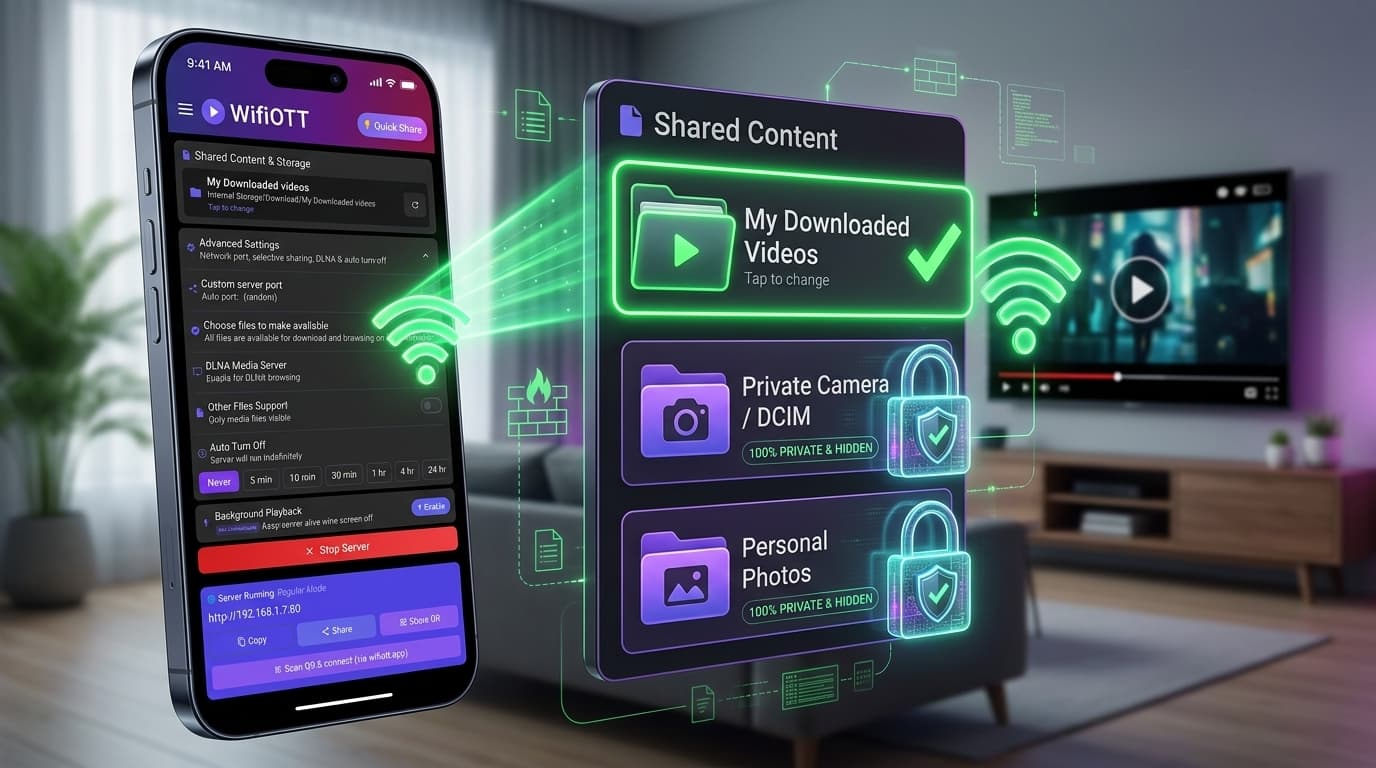
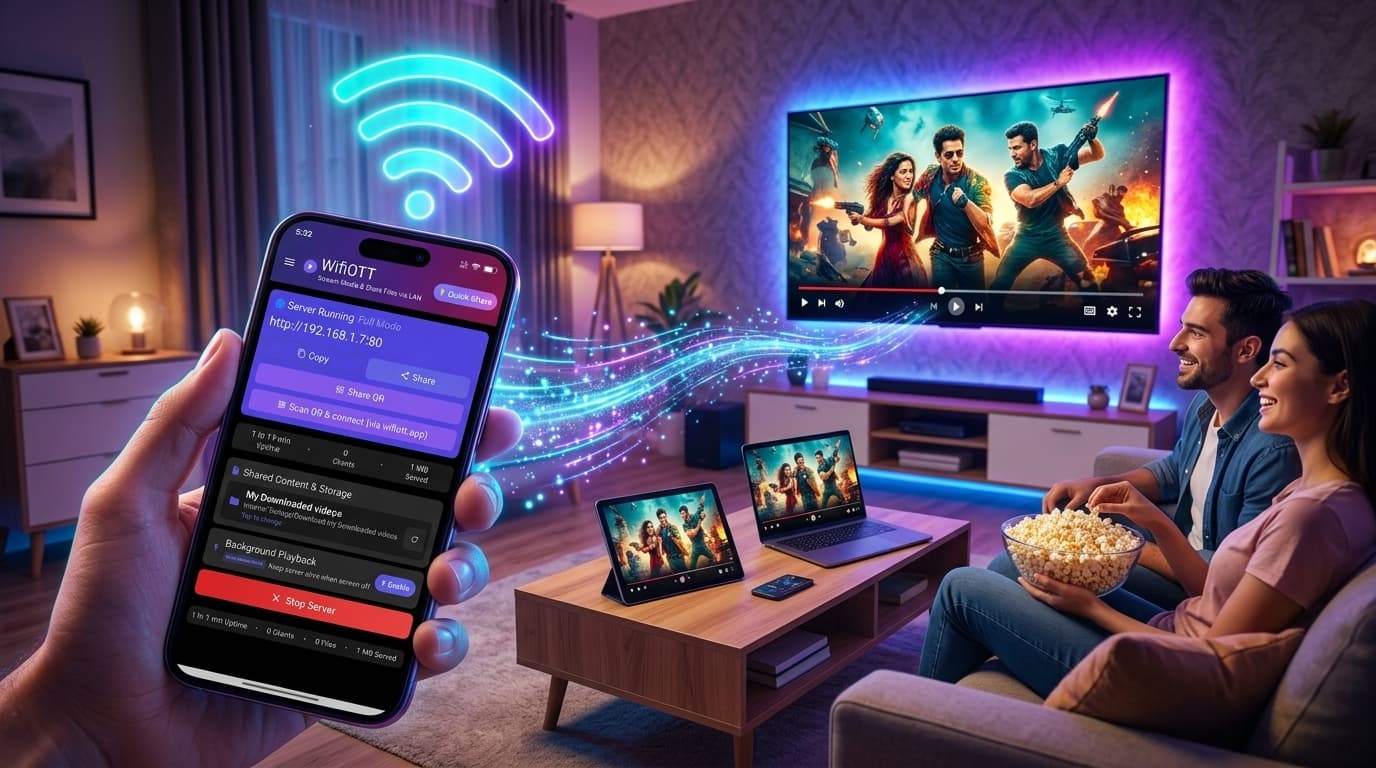
Instead of sending your phone screen to TV, your Android phone turns into a pocket media server.
Here is how simple it is:
[ Your Android Phone ]                                     [ Your 4K Smart TV ]
   WifiOTT Active                                              Big Screen
   (Downloaded Movie)  --- Local High-Speed Wi-Fi Stream --->  Full 16:9 Quality
   *Screen Locked & Cool*                                      *No Notifications*
| Feature | Screen Mirroring / Miracast | WifiOTT Web Streaming |
|---|---|---|
| Phone Screen | Must stay ON all the time | Can turn OFF / Screen Locked |
| Phone Battery | Drains very fast, phone gets hot | Saves battery, runs cool |
| WhatsApp Notifications | Shows on TV screen (embarrassing!) | 100% Private (never shown on TV) |
| Video Quality | Compressed & blurry | Original 1080p / 4K full quality |
| TV App Needed? | Needs Miracast / receiver app | No app needed! Works on TV Browser |
| Multitasking | Cannot use phone while playing | Use WhatsApp, Instagram or lock phone |
You don't need any cables, you don't need Chromecast, and you don't need fast internet. Just follow these steps:
Make sure your Android phone and your Smart TV are connected to the same WiFi network. (Tip: If you are traveling or don't have WiFi router, just switch ON Mobile Hotspot on Android phone and connect TV to that Hotspot!)
Open WifiOTT on your Android phone:
http://192.168.1.7:80 or a 4-digit pairing code.Pick up your TV remote:
Click on the movie. It starts playing in crisp, full-screen 16:9 quality immediately with no buffering.
Now you can turn off your phone screen, put it on the table, grab some popcorn, and enjoy the show! You can even reply to your WhatsApp chats on phone without disturbing the movie on TV.
Stop fighting with screen mirroring cables and laggy Miracast. Download WifiOTT on your Android phone and turn your downloaded videos into a personal Netflix for your whole house!
Happy Streaming! 🍿
Install WifiOTT on Android and turn your phone into a high-speed media server and file transfer hub in 30 seconds. Zero cables, no internet required.
Continue reading with these related posts