GuidesSecurityAndroid
Selective Media Sharing on Android: Keep Private Photos Safe While Streaming to Family TV
·3 min read·256 views
privacyselective-sharingandroidstreamingwifiottsecuritysmart-tv
New! We've just released WifiOTT on Google Play Store. Your download really helps at this stage. Thank you for your support! ❤️
Stream & Transfer Wirelessly with WifiOTT
Hello friends! Today we are discussing one very serious privacy issue that most people don't realize when sharing files or streaming videos on home Wi-Fi.
Have you ever turned on a UPnP or DLNA media server app, or used an FTP server on Android to watch a movie on your living room Smart TV?
If yes, you should know this: most of these apps index your whole internal storage.
That means your private camera photos, family pictures, personal documents, and WhatsApp media folders are all exposed to anyone connected to your Wi-Fi router!
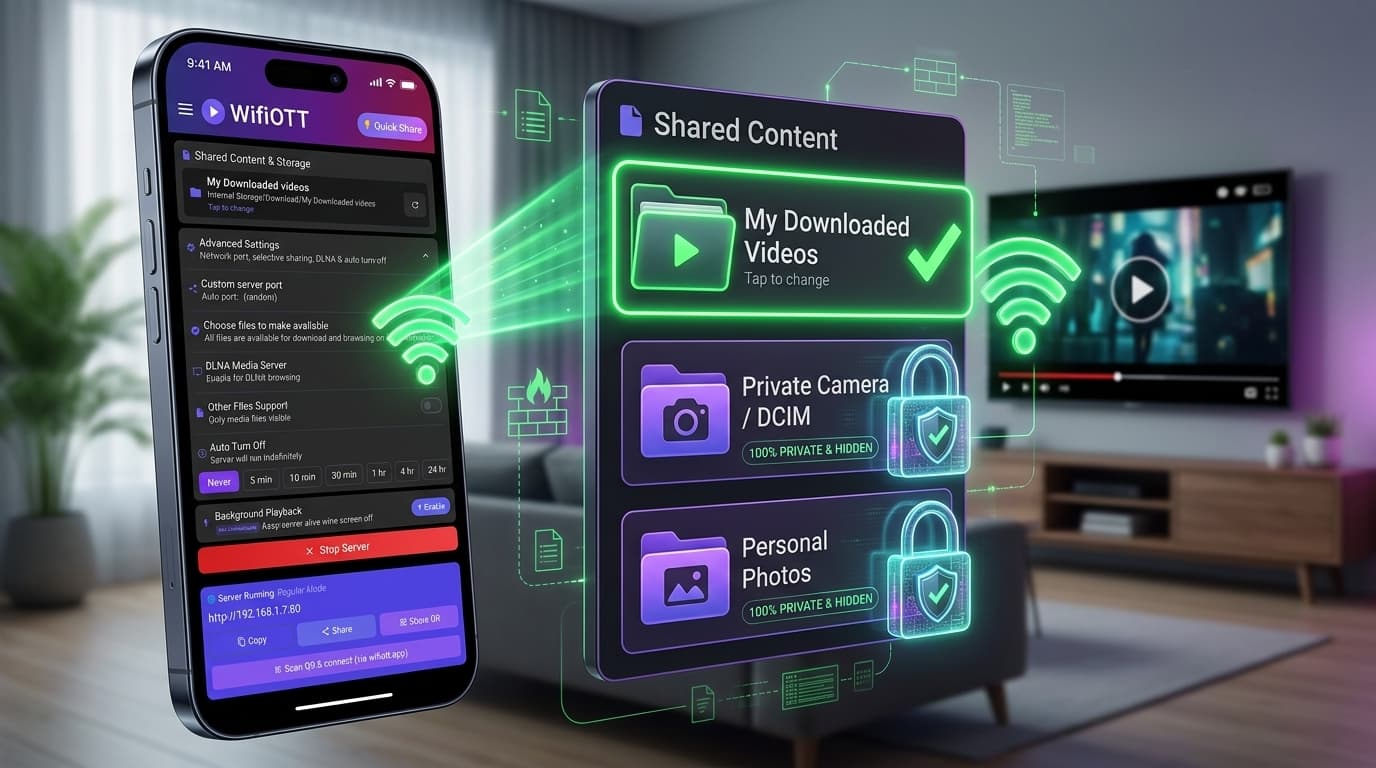
Today, I will show you how to do Selective Media Sharing using WifiOTT so you can stream movies to your TV while keeping your private gallery 100% hidden and locked.
When you turn on old-school media sharing apps:
DCIM, Pictures, and Movies folders together.With WifiOTT, privacy is built into the core design. You never have to give full access to your entire phone storage.
Instead, you pick only the exact folder you want to share (for example: My Downloaded videos).
[ Your Android Storage ]
   ├── DCIM / Camera Photos       ---> [ 🔒 LOCKED & HIDDEN ]
   ├── WhatsApp Media             ---> [ 🔒 LOCKED & HIDDEN ]
   ├── Personal Documents         ---> [ 🔒 LOCKED & HIDDEN ]
   └── My Downloaded Videos       ---> [ 🟢 SHARED SAFELY ] ---> Smart TV Stream
When the TV browser connects to your WifiOTT server, it only sees what is inside that selected folder. Nothing else exists to the outside world!
| Feature | Standard DLNA / FTP Apps | WifiOTT Selective Sharing |
|---|---|---|
| Storage Access | Scans entire phone / all photos | Only your chosen folder |
| Camera Roll Safety | Exposed to anyone on Wi-Fi | 100% Private and invisible |
| Setup Difficulty | Complex folder indexing | 1 tap to change designated folder |
| TV Playback | Shows messy list of thousands of files | Clean list of only your movies |
| Internet Needed? | Sometimes requires cloud account | 100% Local LAN / Zero internet |
Open the WifiOTT app on your Android phone. Under Shared Content & Storage, tap on "Tap to change" or select your folder (e.g., your Download or Movies folder).
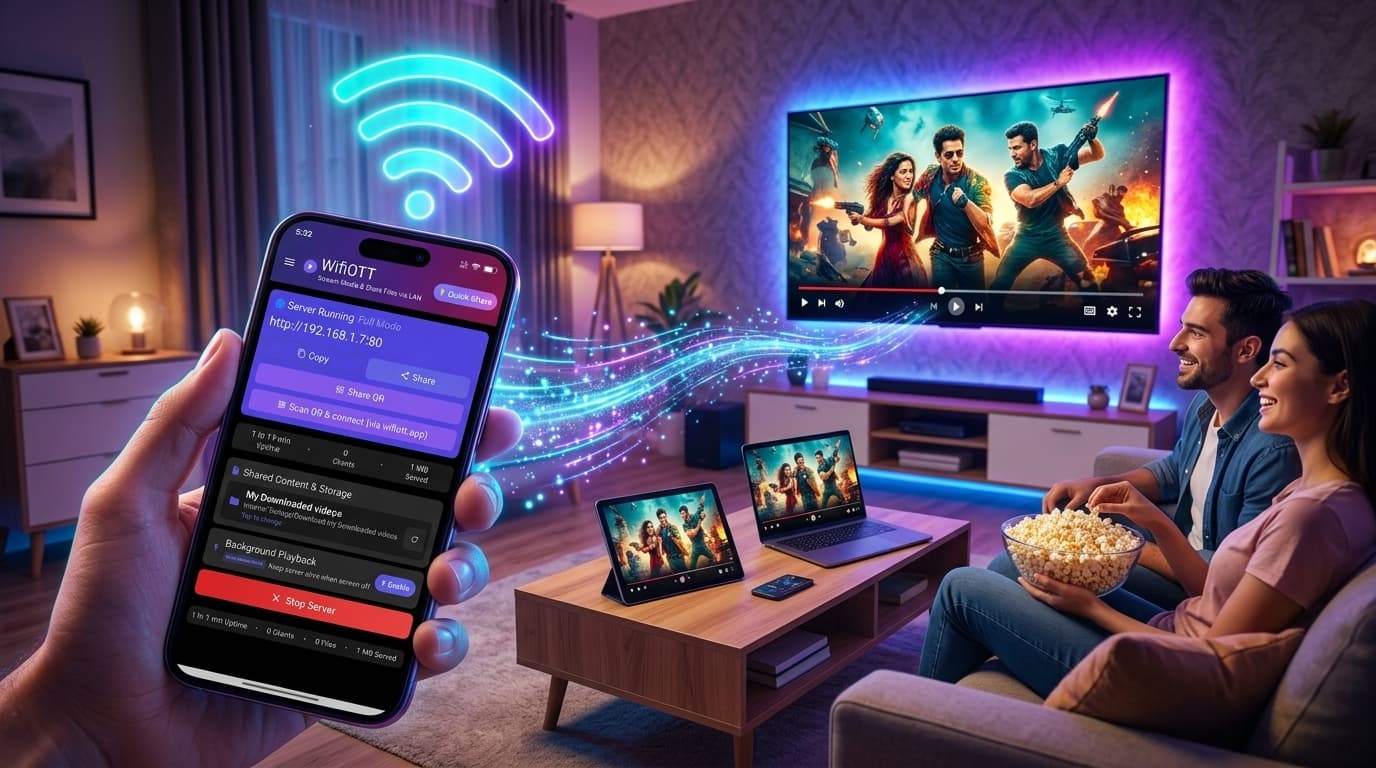
Hit the red/purple Start Server button. WifiOTT starts a secure, local web server instantly on your home Wi-Fi and gives you an address like http://192.168.1.7:80.
Open your TV browser, type the address, and enjoy your movie.
You can relax with complete peace of mind knowing your private photos and sensitive personal data are safe and inaccessible to anyone else on the network.
Never expose your entire phone just to watch a movie on TV. Use WifiOTT for clean, fast, and completely private local streaming.
Download WifiOTT for free at wifiott.app or on the Google Play Store! 🚀
Install WifiOTT on Android and turn your phone into a high-speed media server and file transfer hub in 30 seconds. Zero cables, no internet required.
Continue reading with these related posts