GuidesStreamingAndroid
How to Stream Movies from Phone to Smart TV Without Internet (No Cables, No Chromecast)
·6 min read·429 views
streamingsmart-tvofflineandroidwifiotttravel-techlocal-streaming
New! We've just released WifiOTT on Google Play Store. Your download really helps at this stage. Thank you for your support! ❤️
Stream & Transfer Wirelessly with WifiOTT
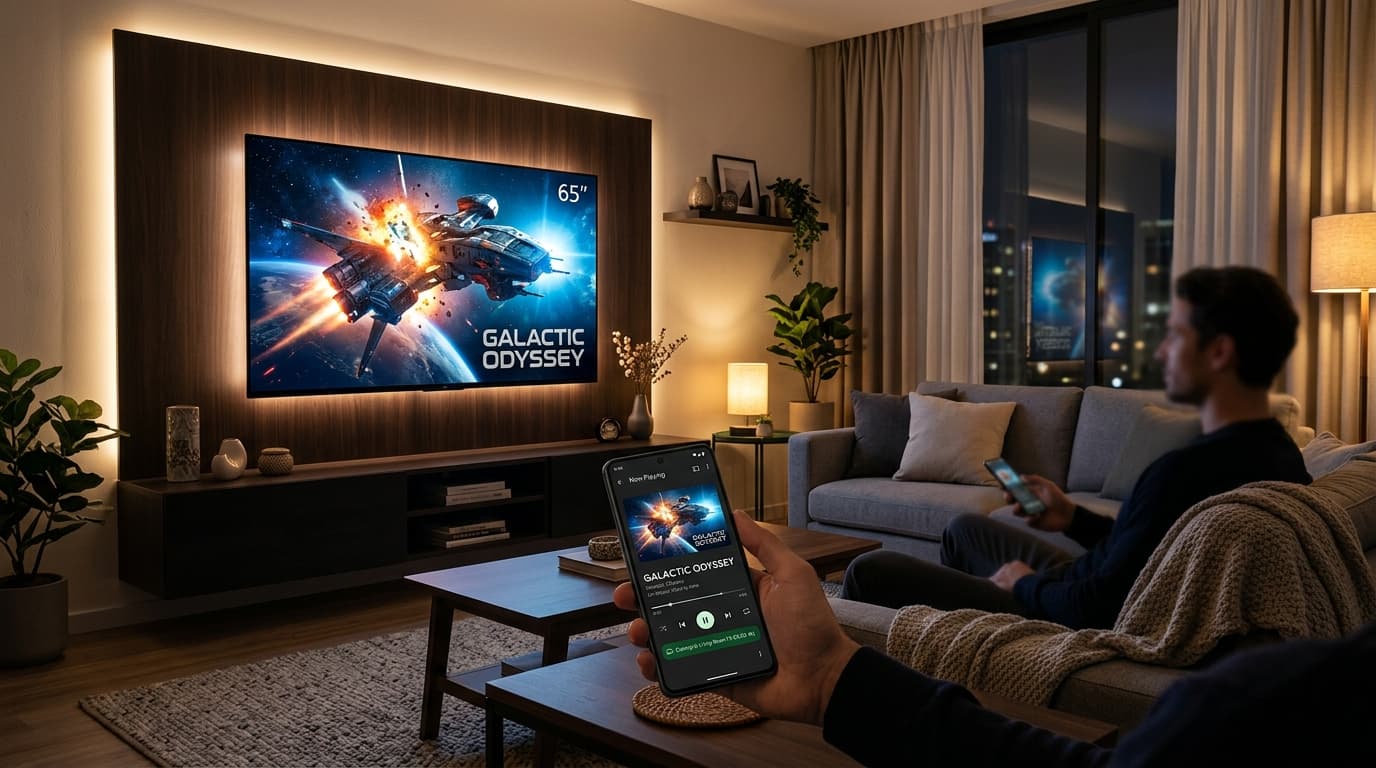
Picture this scenario: You're staying in an Airbnb or hotel with abysmal Wi-Fi, or you are out on a camping trip in an RV. You downloaded a batch of movies and series on your Android phone, but everyone is squinting at a 6.5-inch phone screen.
You look over at the hotel's 55-inch Smart TV. You didn't bring an HDMI adapter, and Chromecast or AirPlay refuse to work because hotel Wi-Fi networks block client-to-client communication.
Is it actually possible to stream movies from your phone directly to that TV without internet access, HDMI cables, or extra hardware?
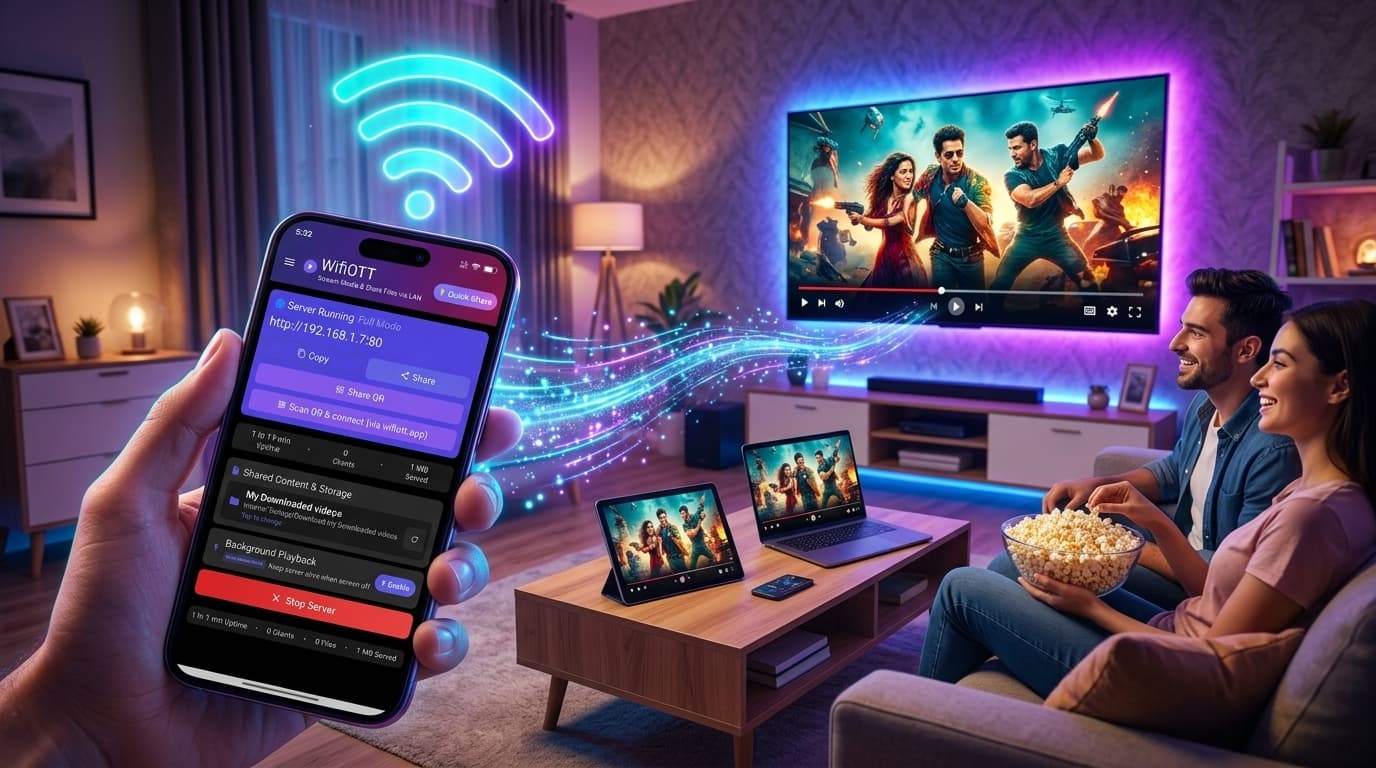
The short answer is YES. In this guide, we'll demonstrate how you can turn your Android phone into an ultra-fast offline media server and beam movies straight to any modern Smart TV browser in under 60 seconds.
Most standard casting technologies rely on flawed assumptions:
Instead of mirroring or pinging external cloud servers, the most reliable and battery-efficient method is Local Web Server Streaming.
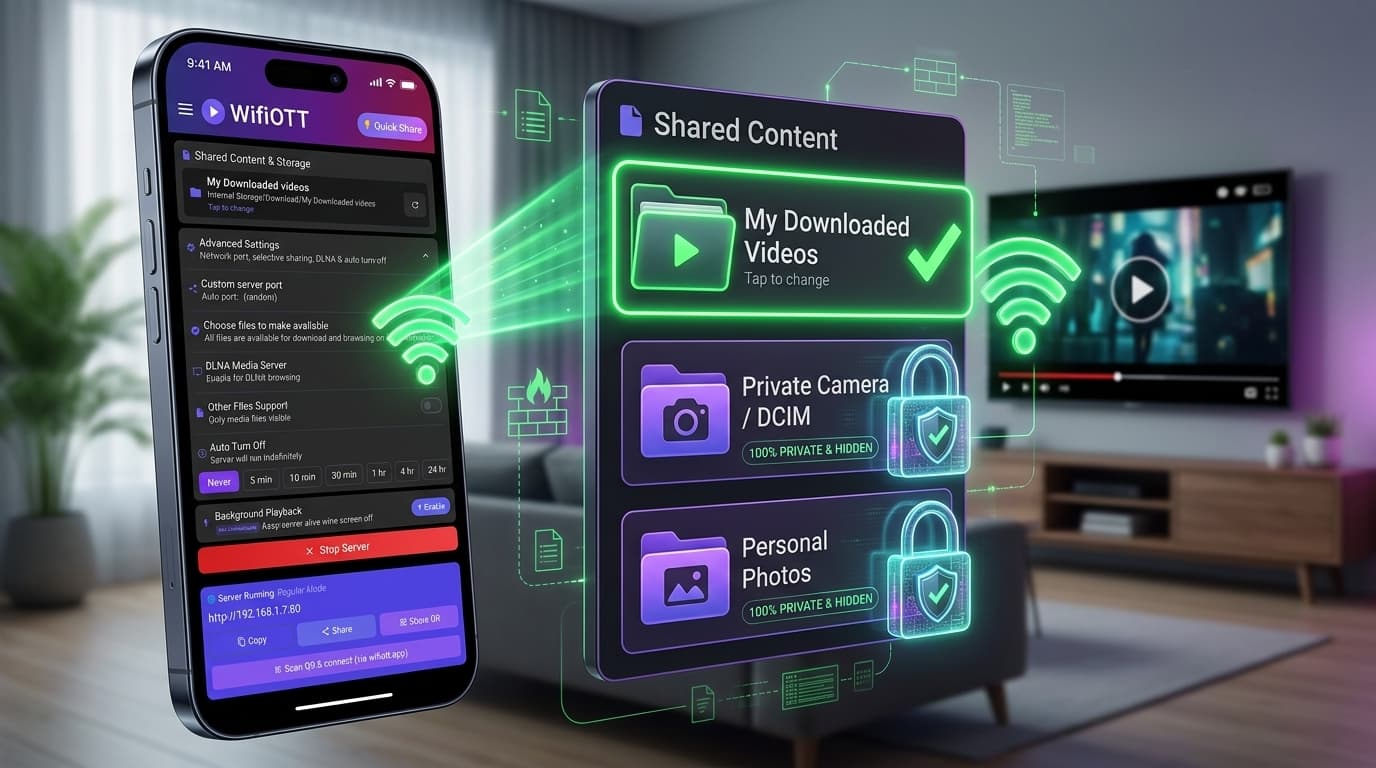
Your smartphone hosts a lightweight, local HTTP streaming server over Wi-Fi. Every Smart TV (LG webOS, Samsung Tizen, Android TV, Fire TV, Roku) has a built-in web browser. When the TV browser loads your phone's local address, you get a full-featured streaming web app with zero latency.
Here is how to set it up step-by-step:
You have two options depending on where you are:
http://192.168.43.1:8080)..mp4, .mkv, .webm) to start instant native playback.| Feature | Chromecast / AirPlay | Screen Mirroring | WifiOTT Local Streaming |
|---|---|---|---|
| Works without Internet | ❌ No | ⚠️ Sometimes | ✅ 100% Offline |
| Bypasses Hotel Isolation | ❌ Blocked | ⚠️ Unreliable | ✅ Works via Hotspot |
| TV Software Required | Requires Cast OS | Requires Receiver | ✅ Zero (Only Web Browser) |
| Phone Screen Sleep | ⚠️ App dependent | ❌ Screen must stay on | ✅ Yes, full background play |
| 4K Playback Speed | Cloud throttled | Low framerate & artifacting | ✅ Full Wi-Fi Hardware Speed |
.srt subtitle file in the same directory with the same filename. WifiOTT allows instant subtitle selection right in the web player.You don't need a luggage bag full of cables or expensive dongles to enjoy family movie nights while traveling. With an Android phone running WifiOTT, your entire media library is ready for big-screen streaming anytime, anywhere.
Install WifiOTT on Android and turn your phone into a high-speed media server and file transfer hub in 30 seconds. Zero cables, no internet required.
Continue reading with these related posts