TutorialsFile Transfer
Simple Way to Transfer Files from Android to iPhone or PC
·3 min read·264 views
androidiphonepcfile transferwifiottenglish
New! We've just released WifiOTT on Google Play Store. Your download really helps at this stage. Thank you for your support! ❤️
Stream & Transfer Wirelessly with WifiOTT
Hello friends! Today I will tell you one very simple trick to transfer photos and videos from your Android mobile to iPhone or PC. We all face this problem - Bluetooth is slow, cables are not finding, and internet data is finishing. But don't worry, we have a solution.
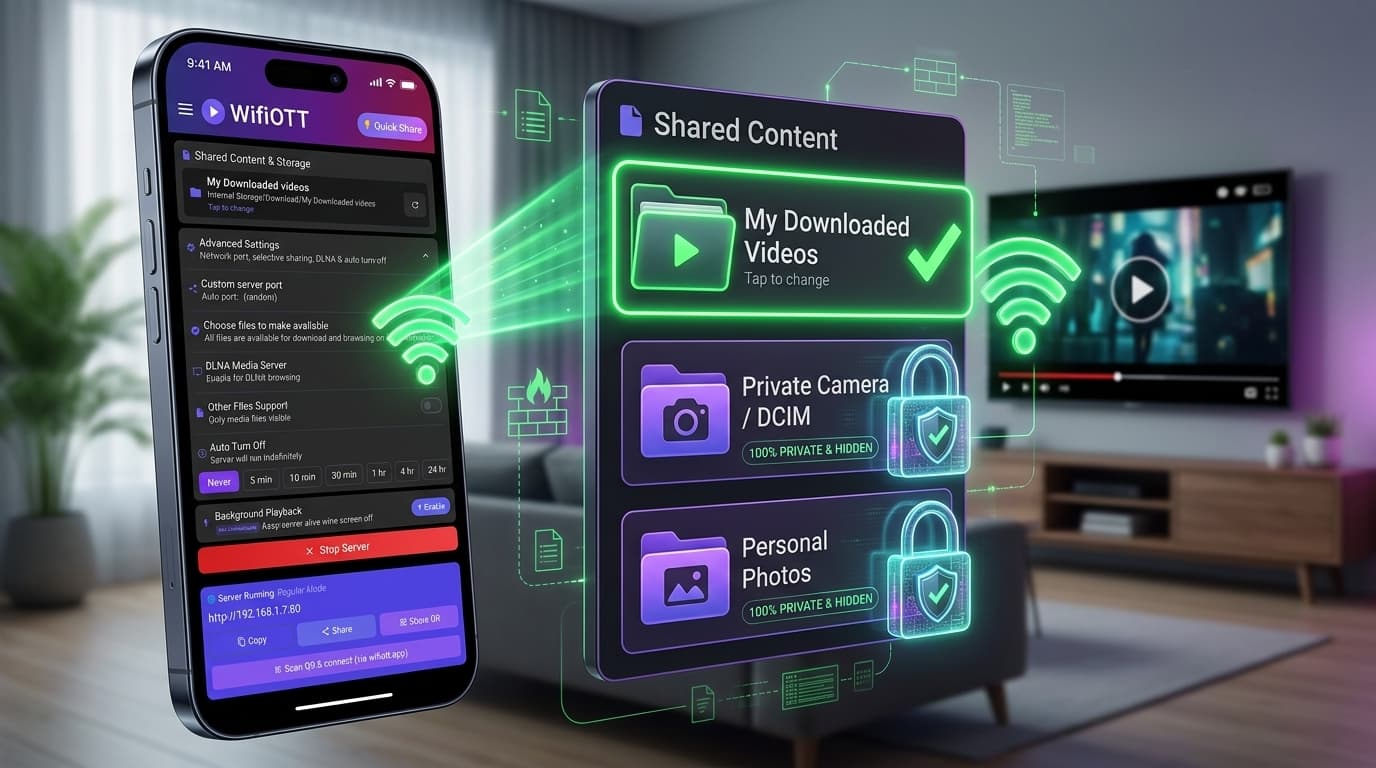
We will use the WifiOTT app. It starts a small web server in your phone, just like a website. Then simply we can open that website in other device and download files. Very easy and fast!
First and most important thing. Both your Android phone using WifiOTT and the other device (iPhone or PC) must be connected to the SAME WiFi network. If you don't have WiFi router, no problem! Just switch on Hotspot in Android mobile and connect iPhone/PC to that Hotspot.
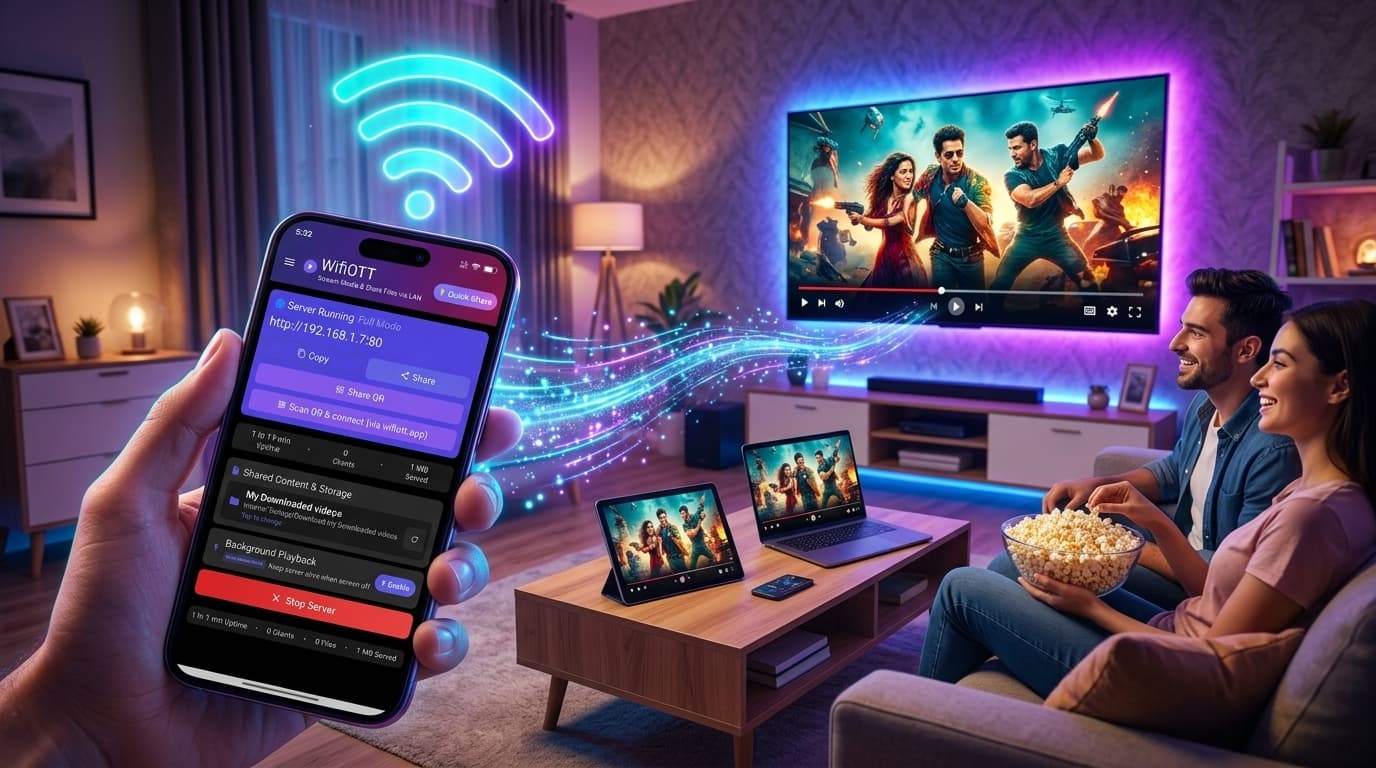
Open the WifiOTT app on your Android mobile. You will see one button to start the server. Click that.
Now the app will show you one Address (URL). It will look like numbers, for example: http://192.168.1.5:8080. Note this down.
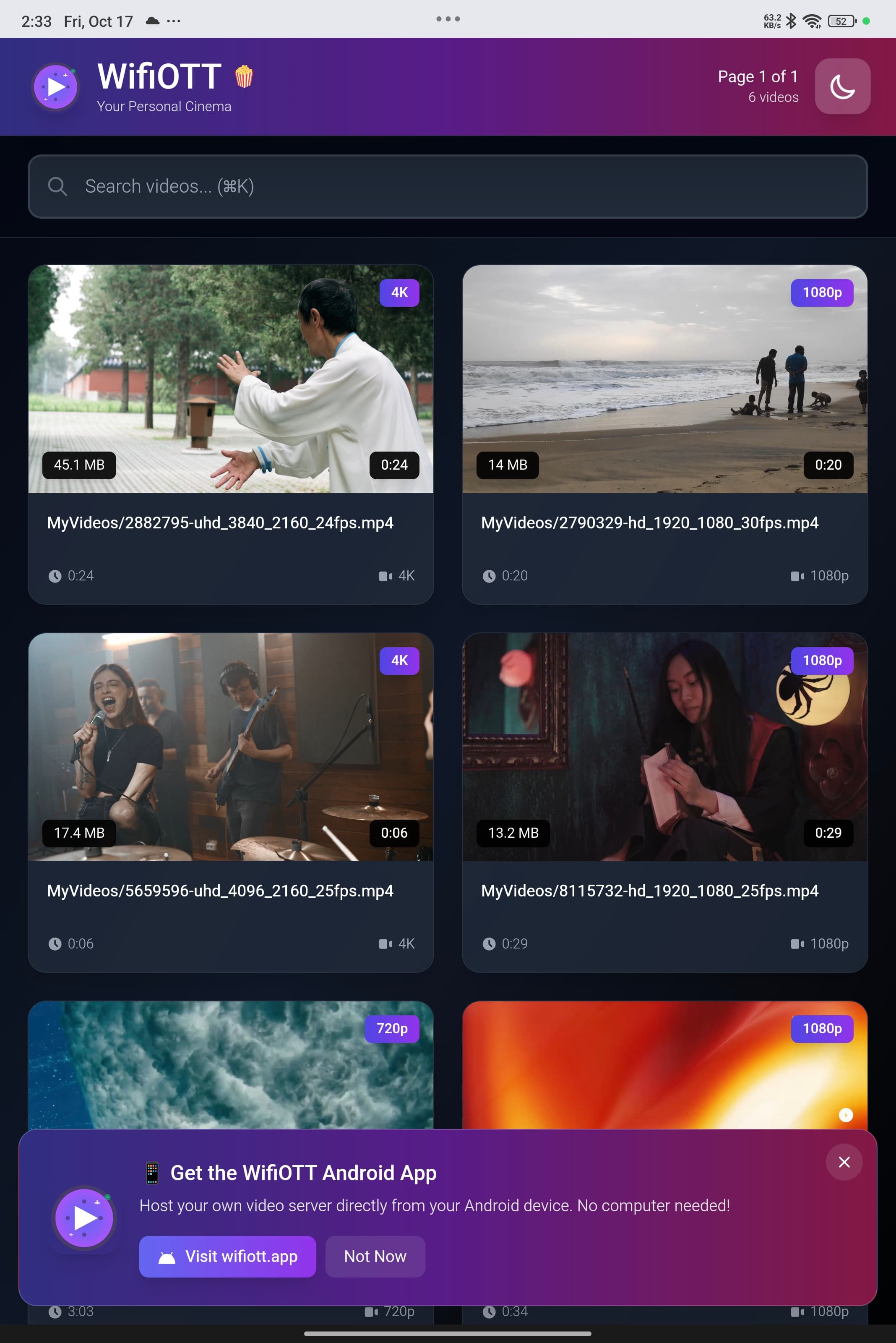
Now take your iPhone or PC. Open Chrome or Safari browser. In the address bar top side, type that same number address exactly as showing in Android app. Press Enter / Go.
Magic! Now you will see your Android phone's files on your iPhone/PC screen nicely.
That's it! Now you can share thousands of photos in minutes without any headache. Enjoy!
Install WifiOTT on Android and turn your phone into a high-speed media server and file transfer hub in 30 seconds. Zero cables, no internet required.
Continue reading with these related posts