AirDroid & Xender Alternatives in 2026: Why Offline LAN Sharing is 100% Private
AirDroid & Xender Alternatives in 2026: Why Offline LAN Sharing is 100% Private
For over a decade, users relied on apps like AirDroid, SHAREit, and Xender to transfer photos, documents, and APKs between phones and PCs. But over recent years, these once-useful tools have morphed into bloated platforms plagued with intrusive ads, background telemetry, and privacy risks.
Even worse, many popular transfer tools silently route your files through remote relay servers in the cloud—meaning your personal family photos or sensitive company spreadsheets might bounce through unknown third-party data centers before reaching the laptop sitting two feet away.
Here is why local offline LAN sharing is replacing legacy file sharing apps, and how you can reclaim complete privacy.
The Hidden Risks of Cloud-Relayed File Sharing
When you install an ordinary file-sharing tool from the app store, you often encounter:
- Mandatory Account Creation: Why should you need to create an account, verify an email, or log in with Google just to send a PDF from your phone to your desk computer?
- Cloud Relay Intermediaries: If the app cannot negotiate a direct peer-to-peer connection immediately, it falls back to routing chunks through its own cloud relays. This introduces bandwidth caps, slower speeds, and serious data surveillance concerns.
- Bloatware & Aggressive Permissions: Demanding contacts, GPS location, microphone, and telephone status permissions for an app whose sole purpose is file transfer is a massive red flag.
- Intrusive Tracking & Ad SDKs: Free utilities monetize your habits by bundling analytics SDKs that log file names, types, and device fingerprints.
What Makes Pure Local LAN Sharing Different?
Pure Local Area Network (LAN) architecture operates on a fundamentally different security philosophy:
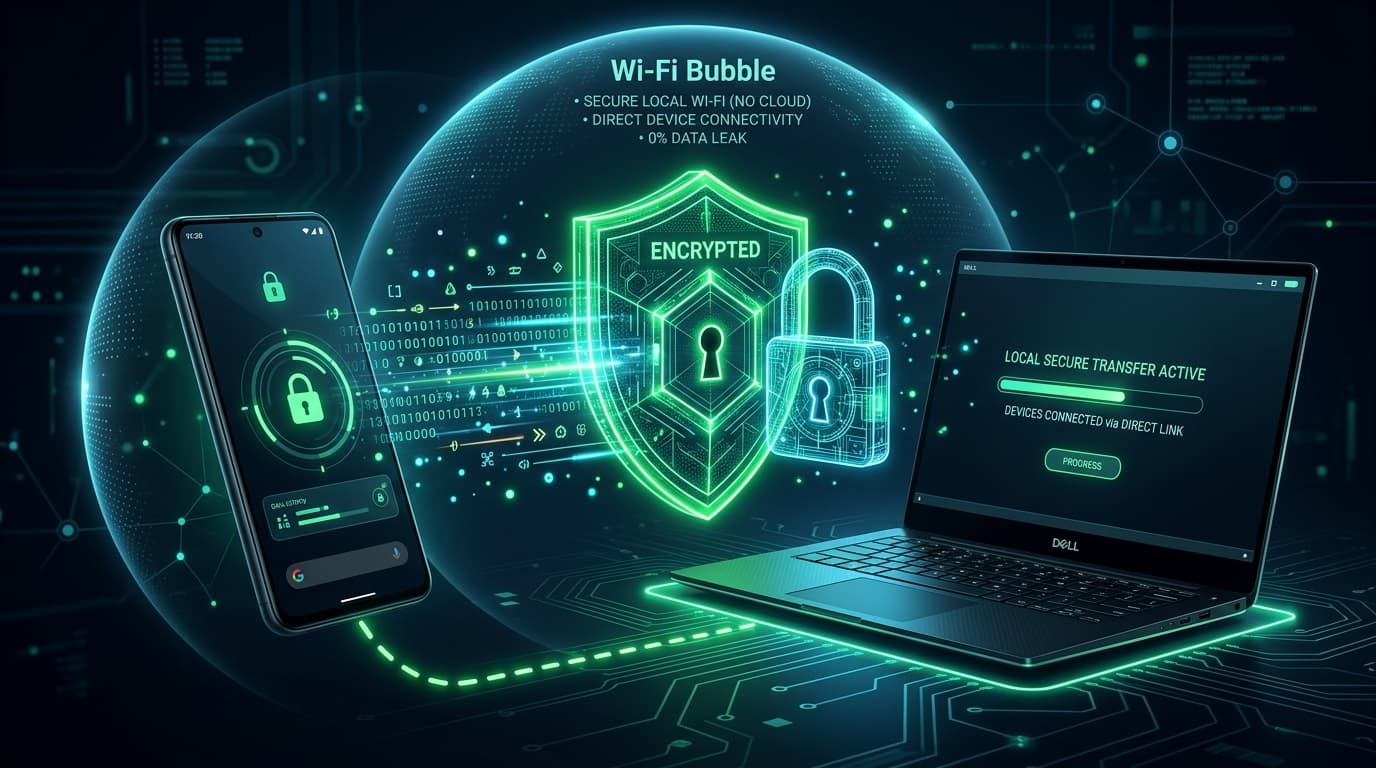
- Zero Cloud Footprint: Packets never leave your local Wi-Fi router. The data travels straight over the airwaves from Network Interface Card (NIC) to NIC.
- No Internet Required: If you disconnect your WAN fiber optic cable or run on a local hotspot, LAN sharing continues operating at maximum throughput.
- Clientless on the Receiving End: With modern web standards (HTTP/2, WebSocket), the receiving computer, tablet, or TV doesn't need to install any shady executable or browser extension. They simply open a URL.
Enter WifiOTT: The Zero-Knowledge, Zero-Ad Alternative
WifiOTT was engineered from the ground up for users who value speed, simplicity, and absolute data sovereignty:
1. No Cloud Servers, Ever
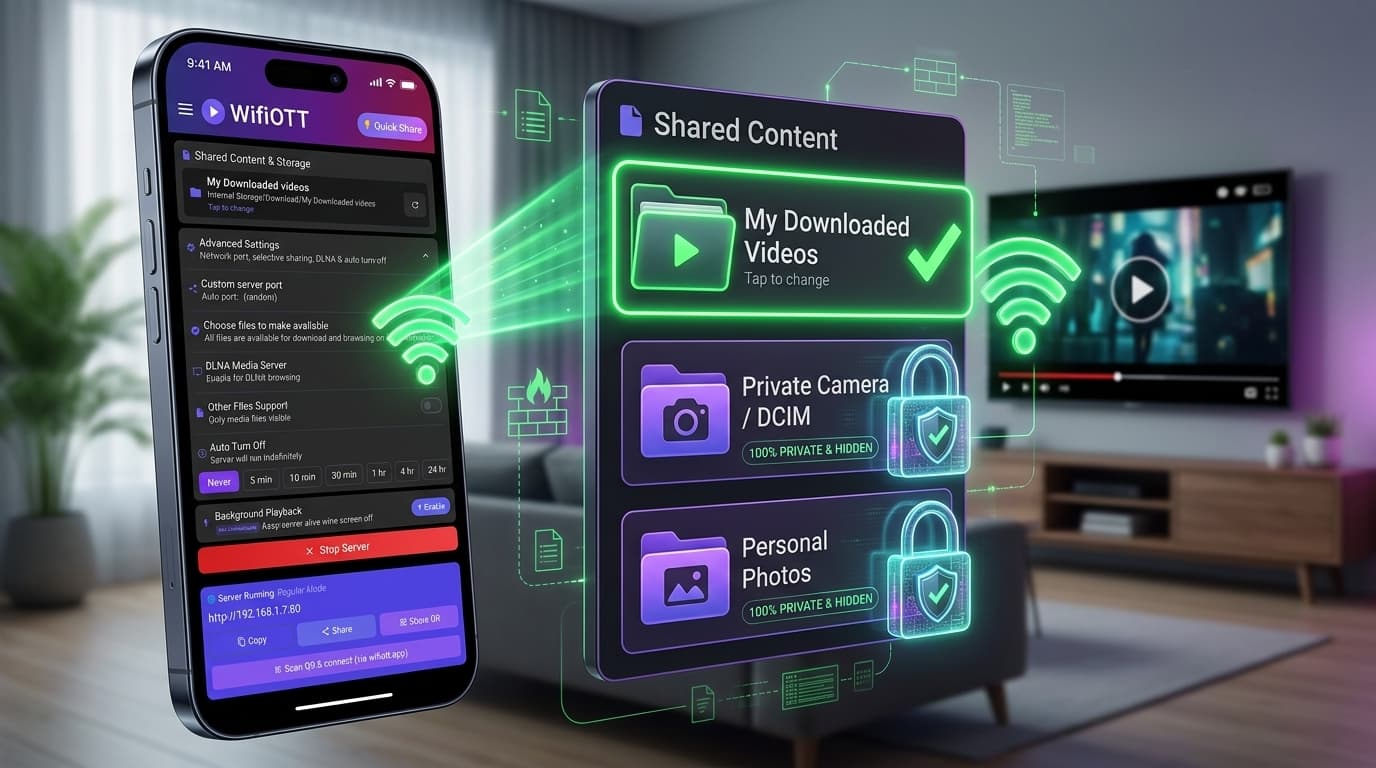
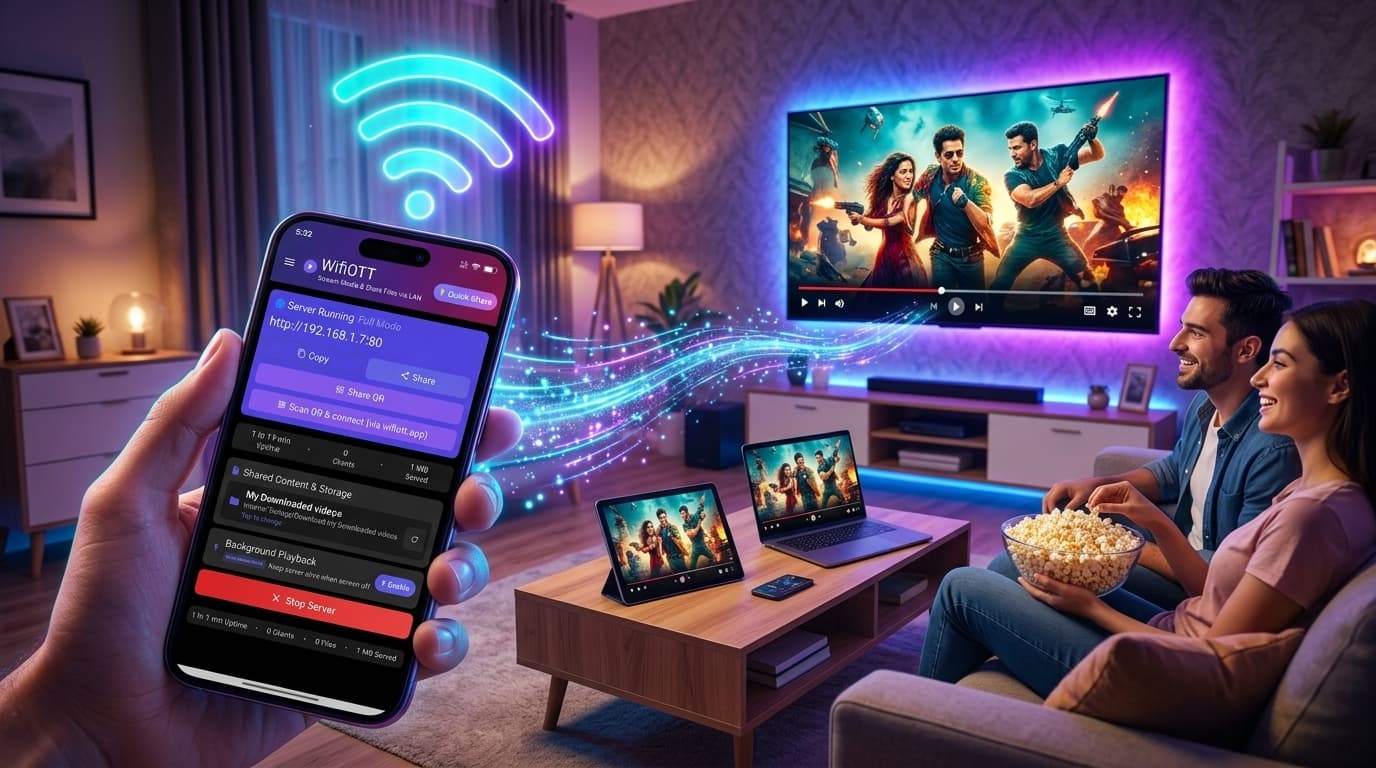
WifiOTT hosts a high-performance HTTP engine right on your Android device. Your files are served directly from flash storage over your local Wi-Fi. No data is stored, cached, or proxied on any external server.
2. No Software Needed on Your Laptop or Desktop
Whether you use Windows 11, macOS Sequoia, Ubuntu Linux, ChromeOS, or iOS, you don't install companion software. You open Chrome, Safari, Edge, or Firefox, enter your phone's local IP address, and immediately have full access to download, upload, and organize files.
3. Blazing Fast Gigabit Speeds
Because your traffic isn't throttled by internet upload speeds (which for many home connections is capped at 20-50 Mbps), WifiOTT unleashes your router's maximum Wi-Fi bandwidth—transferring files at 40 to 90 MB/s (320 to 720 Mbps).
4. Zero Account Registration
No email signup, no passwords to forget, no subscriptions, and no paywalls for large files.
Privacy Checklist: Testing Your File Transfer App
Before you trust an app with your sensitive data, run through this quick test:
| Test | Dangerous Sign ⚠️ | WifiOTT Guarantee ✅ |
|---|---|---|
| Turn off Mobile Data & WAN | App fails to connect or throws error | Functions 100% normally |
| Requires Sign-In | Requires Google/Email/Phone login | No login or accounts exist |
| App Permissions | Asks for Contacts, Calls, Location | Only requests Storage access |
| Receiving Device Setup | Requires installing .exe or .dmg | Works inside any standard browser |
The Verdict
In 2026, privacy is no longer optional. Moving files between your own personal devices shouldn't require sending your data to the cloud or tolerating battery-draining ad platforms.
Switch to direct local Wi-Fi sharing with WifiOTT and keep your private data exactly where it belongs: in your hands.
Ready to Stream & Share Wirelessly?
Install WifiOTT on Android and turn your phone into a high-speed media server and file transfer hub in 30 seconds. Zero cables, no internet required.
Related Articles
Continue reading with these related posts